AI Call Routing: How AI Receptionists Route Calls to the Right Team
AI call routing helps businesses connect customers with the right person or team without making callers navigate complicated phone menus or repeatedly explain why they are calling.
Instead of simply answering a call and transferring it randomly, an AI receptionist can understand the caller’s intent, collect relevant information, and determine where the conversation should go next.
For a small business, this can mean fewer missed calls, less time spent transferring customers, and a better experience for both callers and employees.
If you’ve already read our guides on What Is an AI Receptionist? and How 24/7 AI Receptionists Help Small Businesses, this article looks at one of the most useful capabilities of an AI receptionist: getting every call to the right place.
What Is AI Call Routing?
AI call routing is the use of artificial intelligence to understand an incoming call and direct it to the appropriate person, department, or workflow.
Traditional phone systems often rely on:
“Press 1 for Sales. Press 2 for Support. Press 3 for Accounts.”
The problem is that customers don’t always know which department they need.
An AI receptionist can instead ask the caller what they need and understand the response.
For example:
“I’d like to know if my order has shipped.”
The AI can recognize that this is an order-related inquiry and route the call accordingly.
The customer doesn’t need to figure out which department handles their request.
Why Businesses Need Smarter Call Routing
As a business grows, so does the number of people handling customer calls.
You might have:
- Sales
- Customer support
- Accounts
- Operations
- Appointment scheduling
- Delivery
- Management
Sending every call to the same person creates unnecessary work.
It can also lead to:
- Long wait times
- Repeated transfers
- Missed calls
- Frustrated customers
- Employees handling calls that don’t belong to them
AI call routing helps organize incoming conversations before they reach your team.
How Does AI Call Routing Work?
A typical AI call-routing process looks like this:
1. The Customer Calls
The customer calls your business number.
The AI receptionist answers the call and begins the conversation.
2. The AI Understands the Request
The AI asks questions and determines why the customer is calling.
For example:
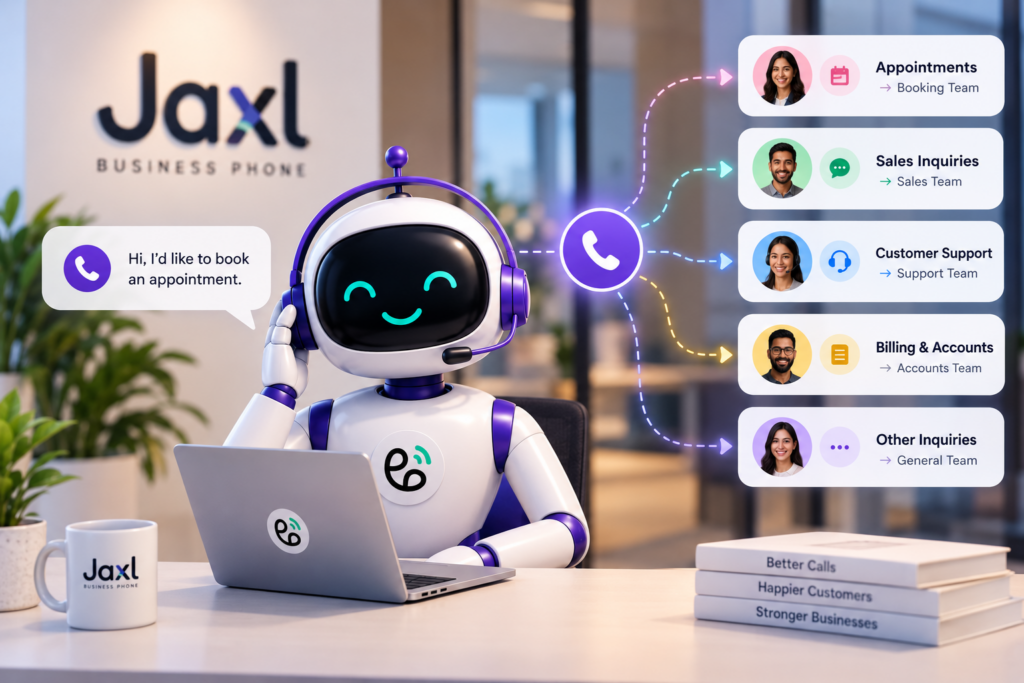
“I’m calling because I want to book an appointment.”
The AI identifies the request as an appointment-related inquiry.
3. The AI Determines the Right Destination
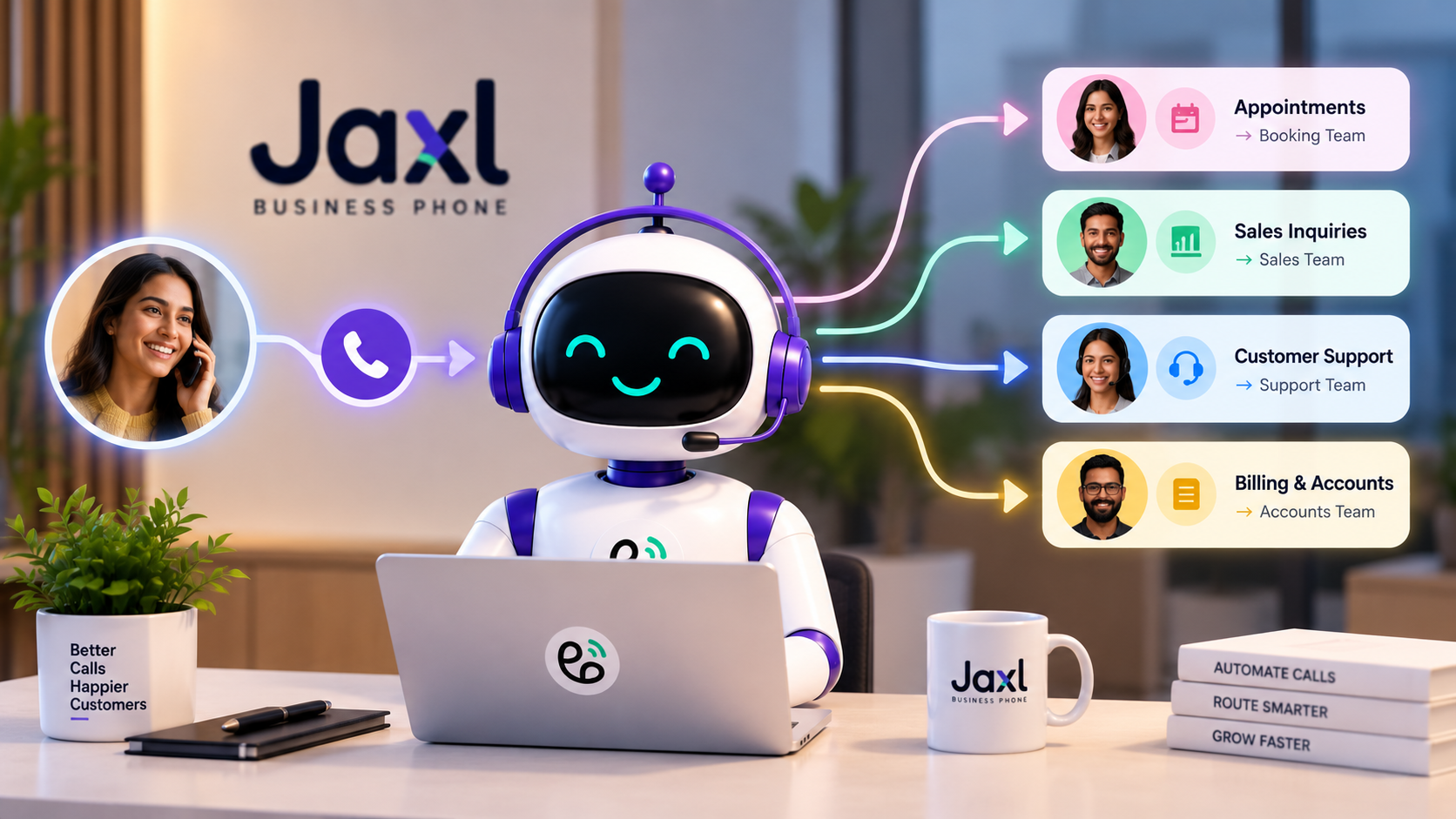
Based on your configured routing rules, the call can be directed to the appropriate person or team.
For example:
Appointment → Booking Team
Sales inquiry → Sales Team
Complaint → Support Team
Billing question → Accounts Team
4. The AI Hands Off the Call
If a human is required, the AI can hand the call over to the appropriate team member.
The customer doesn’t need to start the conversation all over again.
AI Call Routing vs Traditional Phone Menus
Traditional IVR systems can be useful, but they require customers to navigate predefined menus.
For example:
Press 1 for Sales.
Press 2 for Support.
Press 3 for Billing.
This works when the caller knows exactly what they need.
AI routing takes a different approach.
The caller can simply explain the reason for their call.
For example:
“I purchased something last week and want to know when it will arrive.”
The AI can understand the request and determine that the caller needs order or delivery support.
Traditional IVR
- Menu-based
- Caller chooses an option
- Can require multiple steps
- Limited to predefined choices
AI Call Routing
- Conversation-based
- Understands natural language
- Can ask clarifying questions
- Can classify the reason for the call
- Can route based on context
This makes the interaction feel more like speaking with a receptionist than navigating a phone tree.
What Happens When a Caller Needs a Human?
An AI receptionist doesn’t need to handle every call itself.
In fact, one of the most important parts of an AI receptionist is knowing when to hand a conversation to a human.
For example, the AI might handle:
“What are your business hours?”
But if the caller says:
“I have a problem with my order and need someone to look into it.”
the AI can collect the relevant information and route the conversation to the appropriate team.
This creates a hybrid experience:
AI handles routine interactions → Human handles conversations that need human involvement.
AI Call Routing Can Save Your Team Time
Imagine a business receiving 100 calls every day.
If employees have to manually determine:
- Who should answer?
- Which department handles this?
- Is this a sales lead?
- Is this customer support?
- Does someone need to call them back?
a significant amount of time can be spent simply organizing calls.
AI can perform much of this initial classification automatically.
Your team can then focus on conversations that actually require their attention.
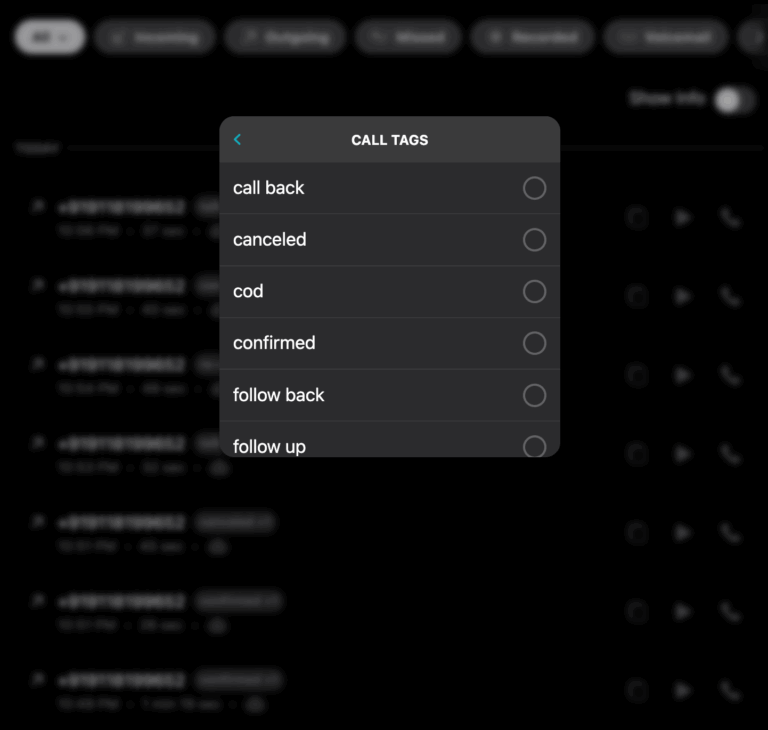
Route Calls Based on Business Categories
One useful approach is to define categories for the types of calls your business receives.
For example, a salon might have:
- New appointment
- Existing appointment
- Pricing inquiry
- Complaint
- Product inquiry
A real estate business might use:
- Property inquiry
- New buyer
- Existing client
- Rental inquiry
- Agent callback
An ecommerce business might use:
- Order status
- Product question
- Return or refund
- Delivery issue
- COD verification
The AI can classify incoming conversations according to the categories relevant to the business.
What Is Email Routing After a Call?
Call routing doesn’t necessarily end when the conversation ends.
For some businesses, the most useful information is what happens after the call.
With email routing, the AI can classify a call into your configured categories and send the caller’s details to the relevant team members by email after the conversation.
For example:
Customer Support
A customer calls about a delayed order.
The AI classifies the call as:
Delivery Issue
The relevant support team members receive an email containing information from the conversation.
Sales
A potential customer calls asking about a service.
The AI classifies the call as:
Sales Inquiry
The appropriate sales team members receive the caller’s details.
This reduces the chance that valuable information gets lost after a call.
What Information Can Your Team Receive?
Depending on the workflow, useful information can include:
- Caller identity
- Phone number
- Reason for calling
- Inquiry details
- Notes
- Tags
- Call summary
- Sentiment
- Callback requirements
Instead of receiving a simple:
“Missed call from +91 XXXXX XXXXX”
your team can receive useful context about what the caller actually wanted.
AI Call Routing for Different Businesses
AI Call Routing for Salons
A salon may receive calls about:
- Appointment bookings
- Rescheduling
- Pricing
- Services
- Complaints
The AI can identify the reason for the call and route it appropriately.
It can also book appointments or capture callback requests.
AI Call Routing for Real Estate
Real estate businesses receive many different types of inquiries.
The AI can help distinguish between:
- New property leads
- Existing customers
- Rental inquiries
- Buyer inquiries
- Agent callbacks
This allows sales teams to prioritize valuable opportunities.
AI Call Routing for Clinics
A clinic may receive calls about:
- Appointments
- Existing bookings
- General questions
- Doctor availability
- Follow-ups
An AI receptionist can help direct callers without requiring every call to reach the front desk.
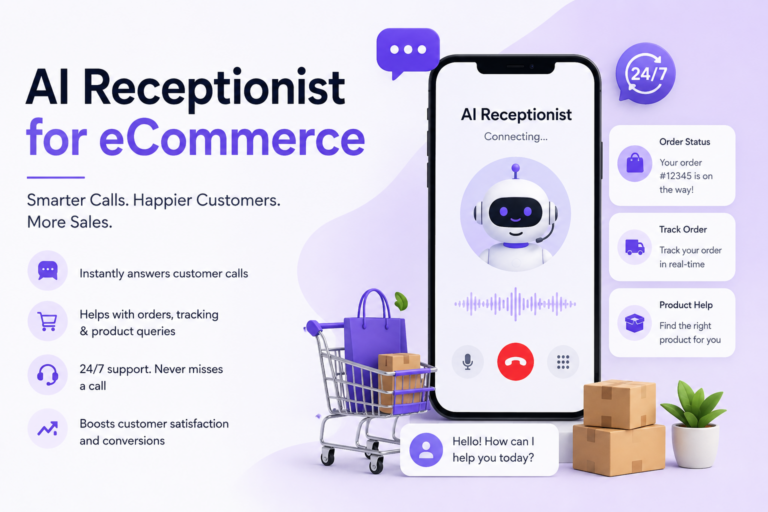
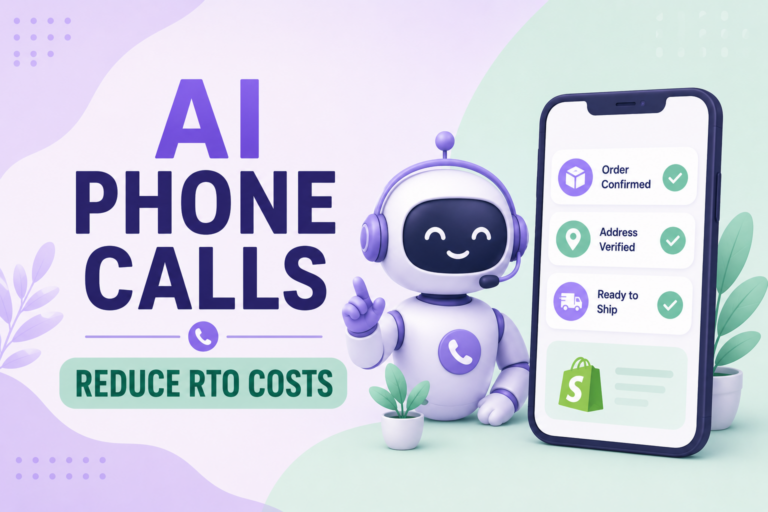
AI Call Routing for Ecommerce
Ecommerce businesses can receive large volumes of calls related to:
- Orders
- Delivery
- Returns
- Refunds
- Products
- Payments
AI routing can help organize these conversations and direct them to the appropriate team.
AI Can Also Use Customer Context
Routing becomes even more useful when the AI has access to relevant customer and business context.
For ecommerce businesses, useful customer context may include:
- Recent orders
- Delivery tracking
- Saved addresses
- Previous call history
- Loyalty or membership information
- Pending payments
For example, if a customer calls about an order, the AI can use available context to understand the conversation instead of treating the caller as a completely unknown person.
This creates a more personalized experience.
What If Nobody Is Available?
Sometimes the right team member isn’t available.
Instead of simply sending the customer to voicemail, the AI can continue helping the caller.
Depending on the configured workflow, it can:
- Record the caller’s identity
- Capture the inquiry
- Schedule a callback
- Take a message
- Record a complaint
- Add notes
- Create a call summary
This means the customer interaction still produces a useful outcome.
How Jaxl Business Phone Handles AI Call Routing
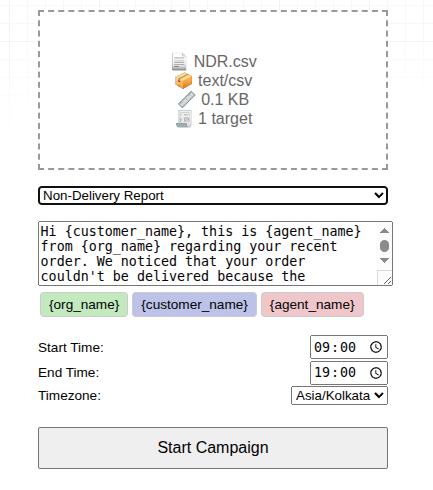
Jaxl Business Phone allows businesses to configure how their AI receptionist handles incoming calls and when calls should be handed off to a team.
The AI can understand the purpose of a call, classify it into configured categories, and help route the conversation to the appropriate team.
Jaxl also supports email routing, where each matched category’s team members can receive the caller’s details by email immediately after the call.
This gives teams both:
Live call routing
and
Post-call information routing.
The result is a more organized workflow from the moment a customer calls to the moment your team follows up.
AI Call Routing Works Best With Human Handoff
The goal isn’t necessarily to make AI handle everything.
The goal is to make sure the right person gets involved at the right time.
A useful workflow can look like:
Customer calls
↓
AI receptionist answers
↓
AI understands the request
↓
AI handles simple questions
↓
AI identifies when a human is needed
↓
Call is handed to the appropriate team
↓
Caller details and summary are available to the team
This allows businesses to automate the repetitive part without creating a barrier between customers and employees.
Frequently Asked Questions
What is AI call routing?
AI call routing uses artificial intelligence to understand why a customer is calling and direct the conversation to the appropriate person, department, or workflow.
Is AI call routing better than an IVR?
AI call routing can provide a more conversational experience because customers can explain what they need instead of navigating a series of menus.
Can an AI receptionist transfer calls to humans?
Yes. An AI receptionist can hand calls to the appropriate team member when human assistance is required.
Can AI route calls based on the reason for calling?
Yes. AI can classify calls based on configured categories and route them according to the business’s workflow.
What happens if nobody answers the transferred call?
The AI can continue with the configured workflow, such as capturing the caller’s details, recording an inquiry, scheduling a callback, or taking a message.
Can businesses receive information about calls by email?
Yes. With email routing, relevant team members can receive caller details based on the category assigned to the call.
Conclusion
Good call routing isn’t just about getting a phone call from one person to another.
It’s about understanding why the customer called and making sure the right person gets the right information.
AI call routing allows businesses to move beyond traditional phone menus by using natural conversations to understand customer intent, classify calls, and connect callers with the appropriate team.
For small businesses, this can mean fewer unnecessary transfers, faster responses, better lead handling, and a more organized customer experience.
And when AI works alongside your human team rather than replacing it, your business can stay responsive without forcing employees to answer every routine call themselves.
Route Every Call to the Right Place
Jaxl Business Phone helps businesses use AI to answer calls, understand customer intent, route conversations, and keep teams informed.
With Jaxl, you can:
- Route calls to the right team
- Hand calls over to humans
- Classify calls into business categories
- Send caller details to relevant team members
- Capture inquiries and callbacks
- Generate call summaries and notes
Learn more about Jaxl Business Phone at business.jaxl.com